Run Locally
Download and start
Running the Ozone demo locally takes just three terminal commands:
curl -s https://raw.githubusercontent.com/ozone-his/ozone/main/scripts/install-stable.sh | bash /dev/stdin
cd ozone/run/docker/scripts/
./start-demo-with-sso.sh
It may take some time to download and setup Ozone for the first time.
System Requirements
To run Ozone and its apps smoothly, your environment should meet at least the following requirements:
- 12 GB of free RAM
- 8 core CPU
- 25 GB for free disk space
Browse
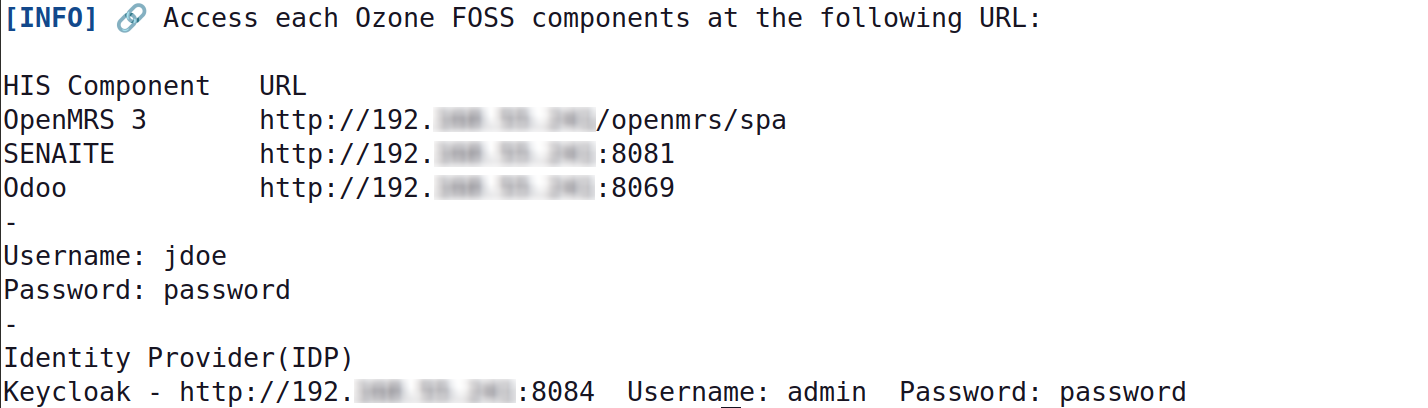
Once started, the script will output the URLs to access the HIS apps and services:
For example:
Accessing any of those URLs should present you the Single Sign-On portal page:
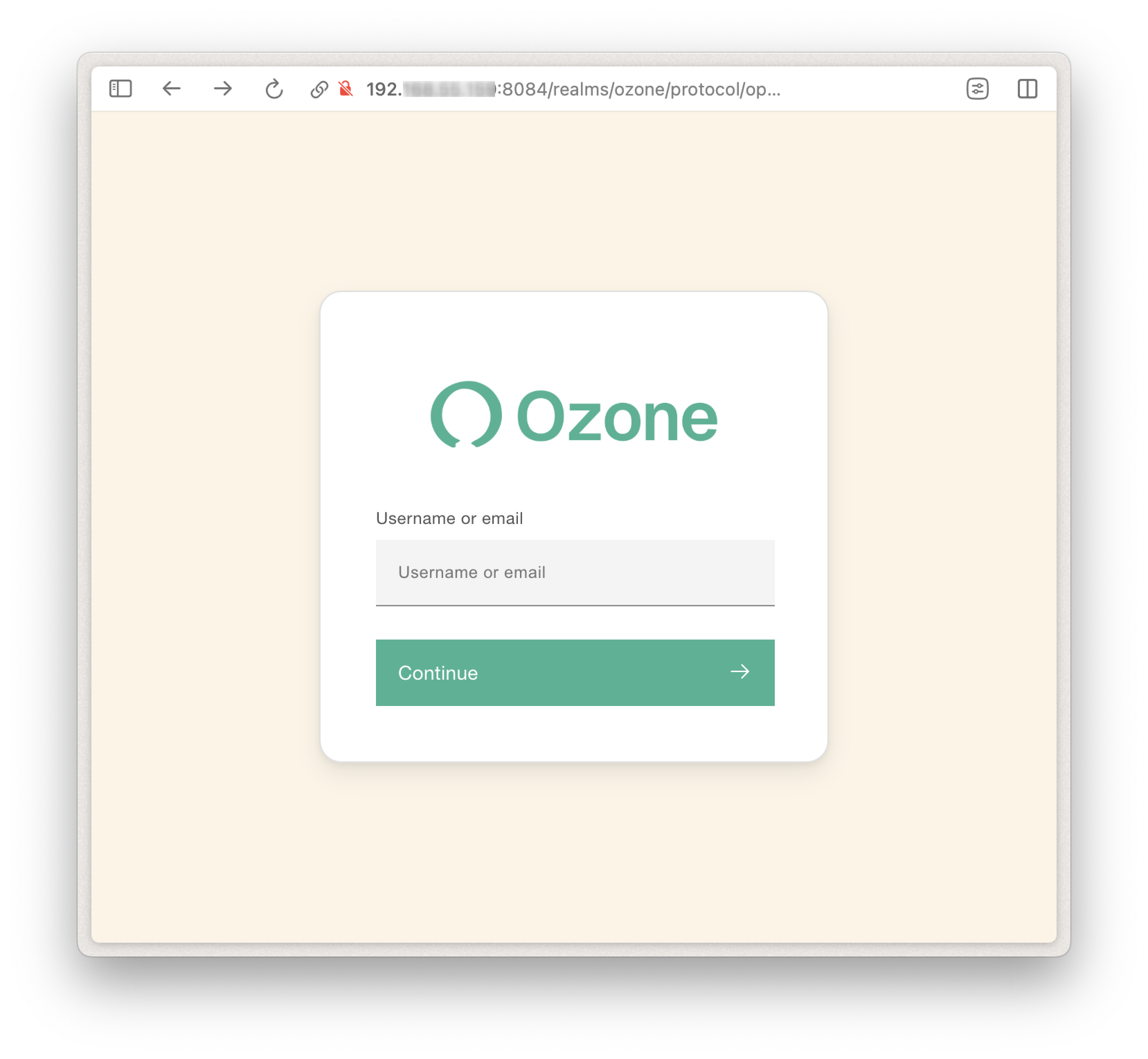
Log in to the demo using username jdoe and password password.
You're ready to start browsing Ozone 👏 !
🛠️ If you encounter an error when trying to access OpenMRS specifically, you may need to apply the following command to force a restart of the OpenMRS service.
docker restart ozone-openmrs-1
Shut down the server
Once you're done browsing Ozone, you can destroy the server to keep your environment clean.
./destroy-demo.sh